Wednesday, March 25, 2015
triple portrait( evolution)
I started off with taking three separate pictures of Thomas Sangster. I made sure the pictures i took were him at a different age. Then i placed his pictures in order from youngest to present day and added a star background because he sparkles!
candy landscape
I took a picture of pink cotton candy clouds and used that for the background. Then i used the magnetic lasso tool to place different candy on the picture. I took another picture of cotton candy and made fluffy mountains with it and placed candy on it.
Friday, March 13, 2015
30 day photo challenge!!!
Day 1: Favorite food
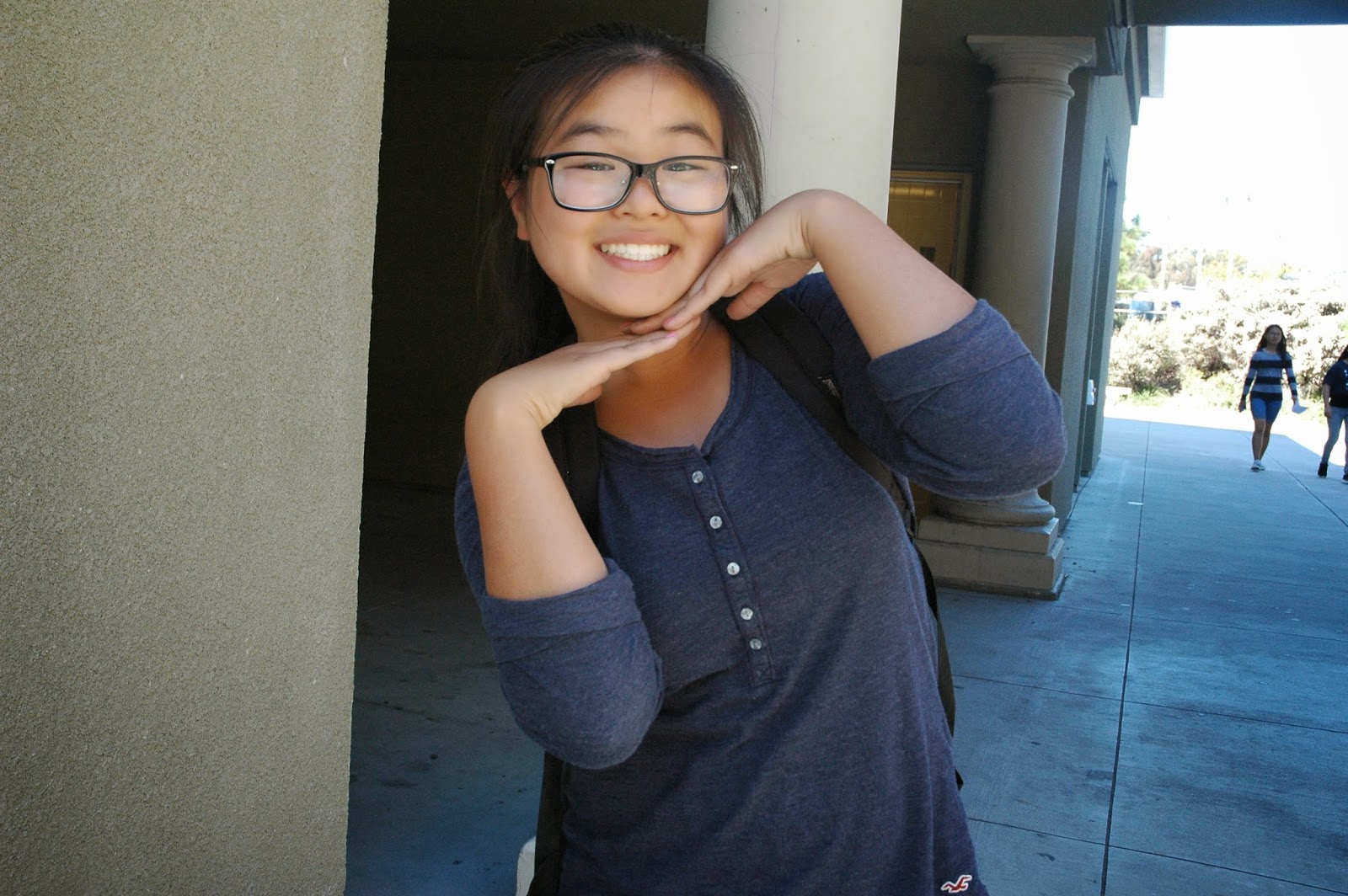
Day 2: Smile
Day 3: Happiness
Day 4: Leaves
Day 5: Morning Sky
Day 6: Books
Day 8: Favorite color ( blue)
Day 9: Inspiring person
Day 10: Nature
Day 11: Something old
Day 12: Hair
Day 13: Written words
Day 14: Movement
Day 15: Leading lines
Day 16: Symmetry and patterns
Day 17: Framing
Day 18: Depth of field
Day 19: Best friend
Day 20: Rule of thirds
Day 21: Where you sleep
Day 22: In your closet
Day 23: Gratitude
Day 24: Something new
Day 25: Animals
Day 26: Worms eye view of trees
Day 27: Artwork
Day 28: Daily Routine
Day 29: Nighttime
Day 30: Light
Monday, March 2, 2015
Repetition
Wednesday, February 25, 2015
look who's in our school
For this assignment, i took a regular picture of marshall middle school. Then i used the magnetic lasso tool to cut out pictures. Finally i placed the pictures on the marshall campus and adjusted the lighting slightly.
Tuesday, February 24, 2015
disporportionate
For this assignment, I took a photo of Thomas Sangster and opened it in photoshop. Then i took the same photo and opened that in photo shop. I used the Magnetic lasso tool and cut out the eyes ears mouth and hair from the second picture and placed them on the first picture. Then i enlarged each cut out. I finally used the eraser tool at low opacity to blend everything in.
Friday, February 20, 2015
decorate an empty room
For this assignment, I used a photo of an empty room. Then I looked up bedroom ideas and took photos to add to the room Then I used the magnetic lasso tool to cut out the objects and used the eraser tool at a lower opacity so I could blend.
Subscribe to:
Posts (Atom)